

Schools
View your groups through an analytics lens — the same entities with their members, course assignments, dedicated analytics, delegated admins, and the focused My School area.
Schools
A School is the analytics view of a Group — the same underlying entity, not a separate object type. Where the Groups page is for managing membership and bulk enrollment, the Schools page surfaces that same entity's learners, assigned courses, and dedicated analytics, along with a set of school administrators who run day-to-day operations. Tenant admins manage the full roster of schools, while a School Admin works inside the focused My School area for just their own school.
School and Group vs. Batch
A School and a Group are the same underlying entity viewed two ways — not separate object types. Only a Batch is genuinely separate:
| Concept | What it is |
|---|---|
| Group / School | One entity, two lenses. The Groups page is the management view — create the group, add or remove members, assign courses in bulk, and delegate a Group Admin. The Schools page is the analytics view of that same entity — per-group learners, courses, dedicated analytics, and the My School area. The default Everyone entity appears on both pages. |
| Batch | A genuinely separate concept — a scheduled cohort of a single course (enrollment window, instructor, capacity), used during enrollment and delivery, not a management area here. |
Because a school is a group seen through the analytics lens, the members and enrollments you manage on the Groups page are the very same records shown here.
The Schools list
Open Schools to see summary stat cards — Total Schools, Total Learners, Course Assignments, and School Admins — above a searchable table.
- Use Search schools by name or code to filter the list instantly.
- Click Refresh to reload the latest counts.
- Click a school name or View to open its detail area, or Edit to change its details.
Each row shows the school logo, name, school code tag, description, a Members count, and a Status badge (Active or Inactive).
Creating or editing a school
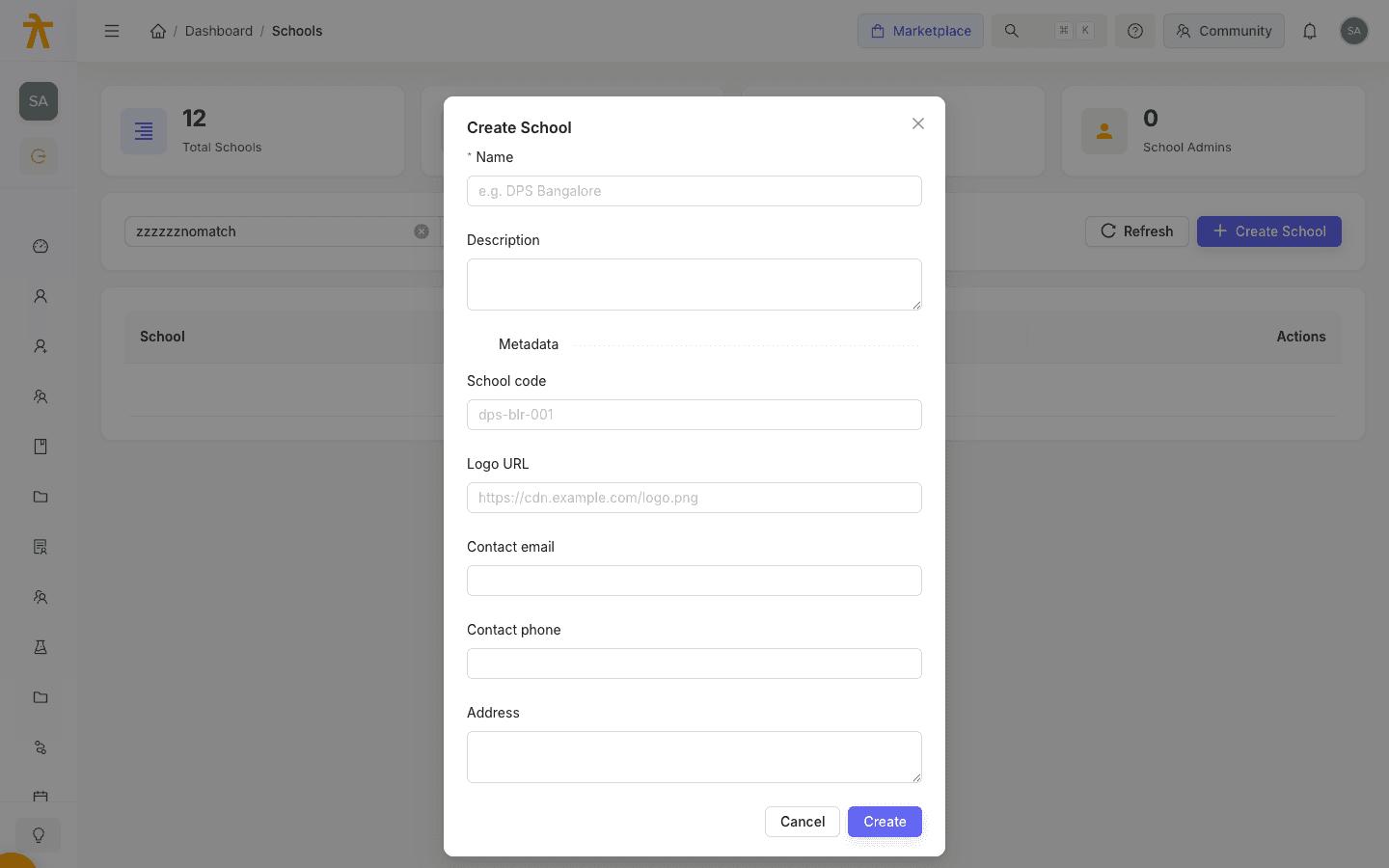
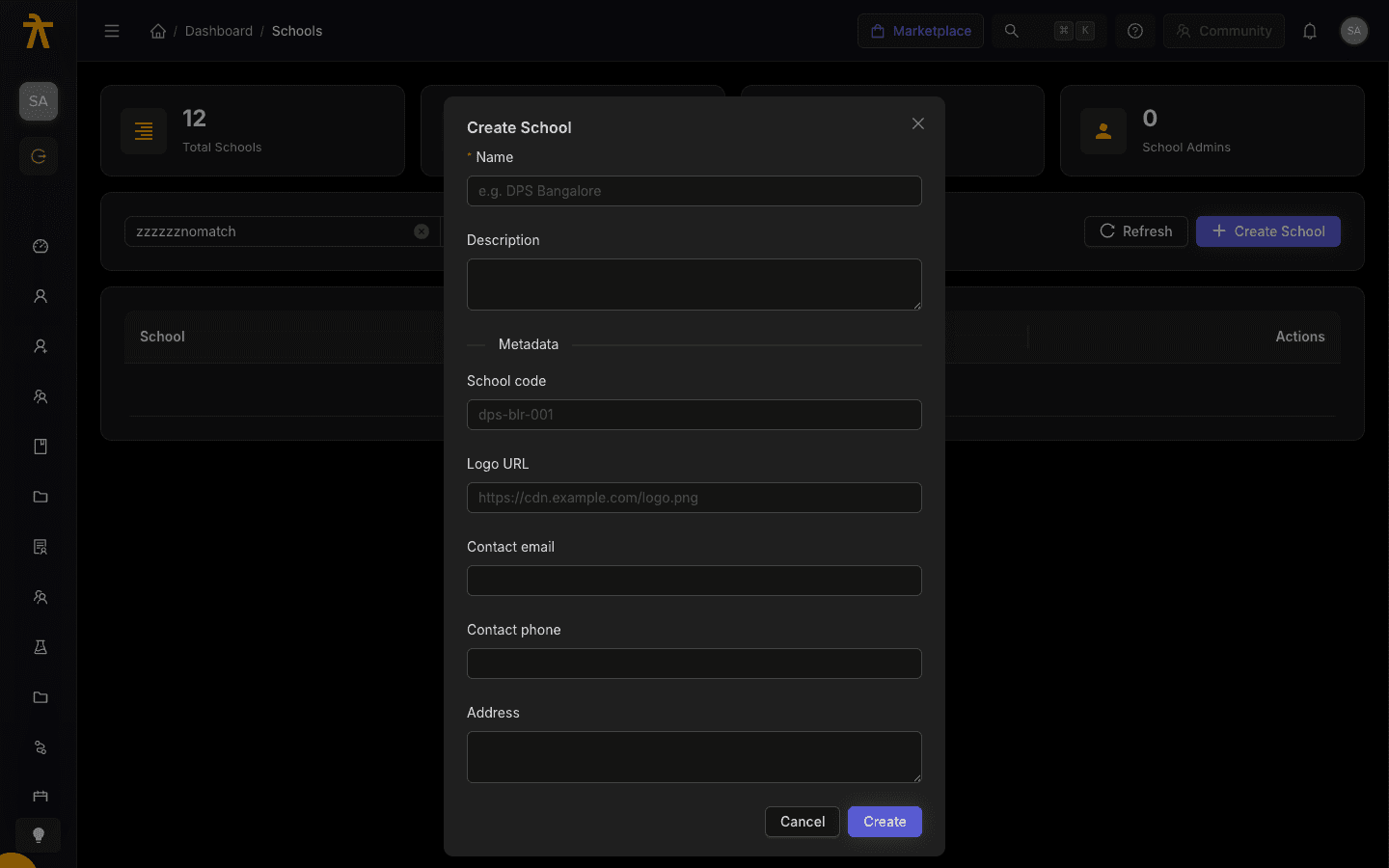
Click Create School (or Edit on a row) to open the form.
| Field | Notes |
|---|---|
| Name | Required — the display name, e.g. DPS Bangalore. |
| Description | Optional short summary. |
| School code | Optional identifier under Metadata, e.g. dps-blr-001. |
| Logo URL | Optional image link shown as the school avatar. |
| Contact email | Optional contact address. |
| Contact phone | Optional contact number. |
| Address | Optional postal address. |
Click Create or Save to store the school.
Inside a school
Opening a school shows a banner with its logo, code, member count, and course count, plus four tabs:
- Analytics — Overview, Learners, Courses, Activity, At Risk, Heatmap, Leaderboard, and Export panels.
- Learners — the Members tab, Pending Invites, and CSV Import. Use Add Learner to enroll one person directly, or Invite Learners to email invitations.
- Courses — the assigned courses. Tenant admins can Assign Course, choosing whether to auto-enroll members and setting an optional unlock date, then edit or remove assignments later.
- Admins — the School Administrators. Use Promote Admin to grant a member admin rights, or Demote to revoke them. A learner invite can also confer School Admin on acceptance (an invite as admin flag), but only a tenant admin may send an admin-conferring invite — a School Admin's own invites can add members as ordinary learners only.
After you promote someone, it can take up to about 60 seconds for their new admin access to take effect.
My School (for School Admins)
A School Admin sees a streamlined My School area instead of the full Schools list. It opens with three quick-action cards — Learners, Courses, and Analytics — followed by an overview panel for their school. School Admins can manage their school's members (add, remove, bulk-CSV import), create and cancel learner invites, and view analytics for their own school only. If no school is assigned yet, a notice asks the admin to contact their tenant admin.
A School Admin can view their school's assigned courses but cannot change them. Assigning or removing courses, promoting or demoting other admins, and pulling school statistics are reserved to tenant admins — the API denies a School Admin who attempts them. Hand a course assignment to a tenant admin rather than the school's own admin.
Related
Groups
Create reusable bundles of learners to control who can access private courses, enroll in bulk, and report — and see how a Group and a School are two views of one entity, distinct only from a Batch.
Building Content
Create and organize courses, learning paths, assessments, and a reusable content library in Arythmatic.
