

Role Profiles & Skill Gaps
Describe the skills a job requires and at what level, assign people to it, then read the gap report to see who is short of what — and assign the training that closes it without leaving the page.
Role Profiles & Skill Gaps
A role profile is a statement of what a job needs: a Site Supervisor holds Fire Safety at Competent and Manual Handling at Aware. Once a profile exists and people are assigned to it, Arythmatic compares what they hold against what the job requires and tells you where the shortfall is.
This page assumes you already have a skills library and content that awards from it — see Skills & Competencies if not. A role profile with no awards behind it will report everybody as missing everything, which is technically correct and practically useless.
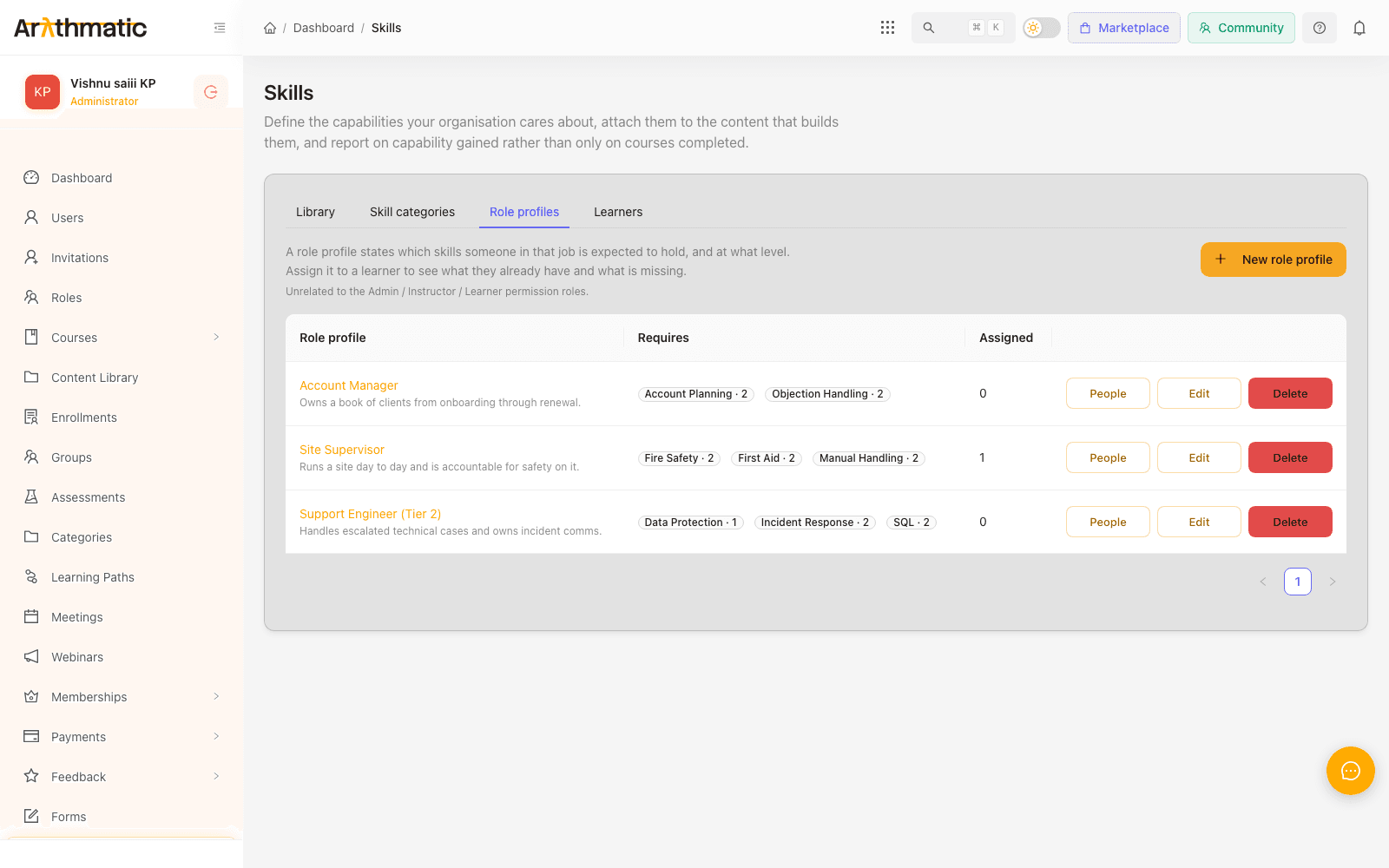
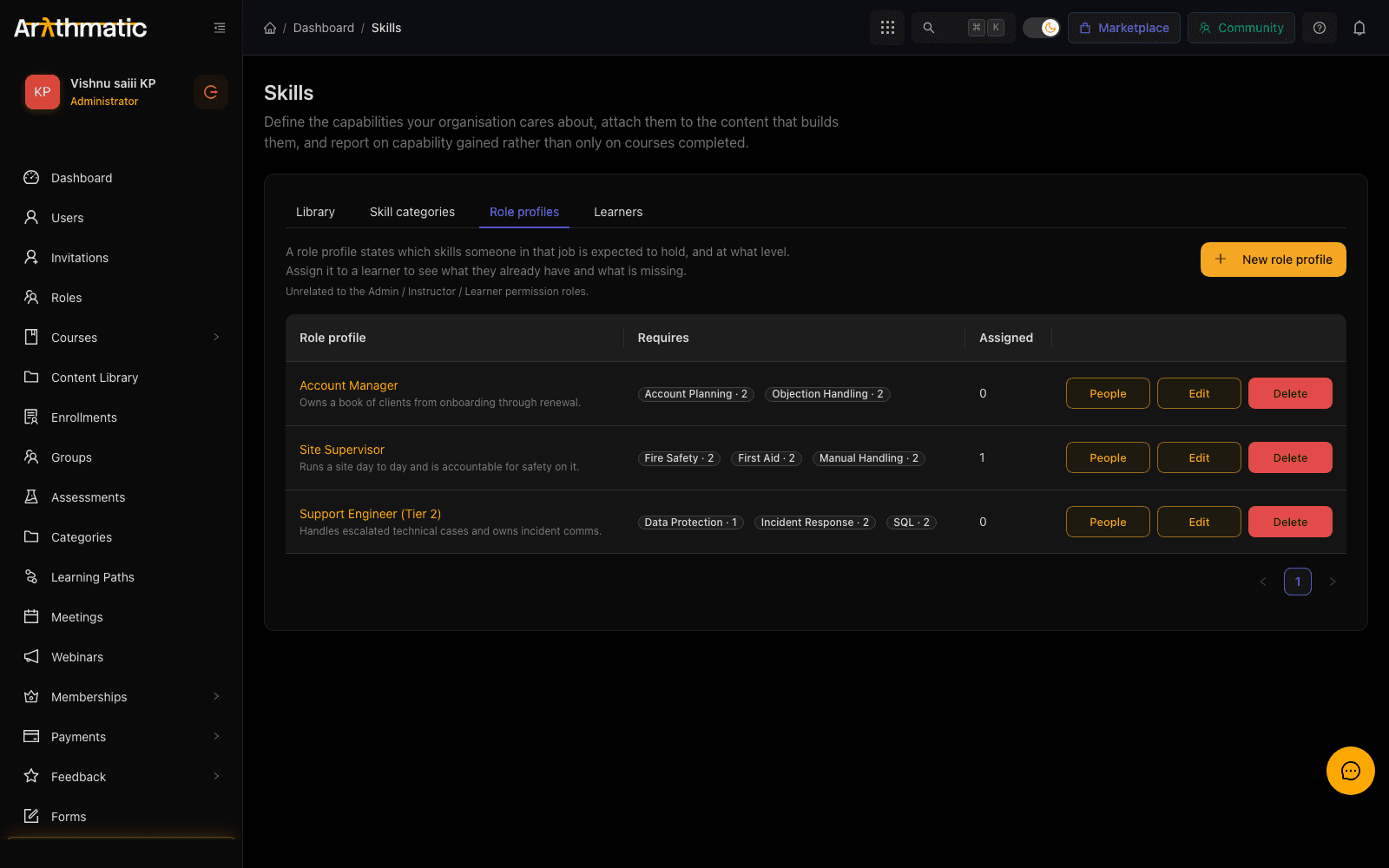
A role profile is not a permission role. Admin, Instructor and Learner control what somebody can do in Arythmatic; a role profile describes what their job requires them to know. Assigning Site Supervisor grants no access to anything.
Creating a role profile
Role profiles are admin-only. From Skills → Role profiles:
- Click New role profile.
- Name it after the job as your organisation says it — Site Supervisor, Tier 2 Support.
- Add a requirement for each skill the job needs, choosing the minimum level that counts as qualified.
- Save.
A requirement is a skill and a level. Requiring Fire Safety at Aware is a materially different profile from requiring it at Competent, and the gap report will disagree with you loudly if you pick the wrong one.
Requirements compare on the level's ordinal, not its label. If you renumber a skill's proficiency scale after building profiles against it, re-read every profile that uses that skill — what used to clear the bar may no longer.
Assigning people to a profile
Open a profile and use People to assign learners, searching by name or email. Remove someone the same way.
A learner can hold more than one profile — somebody acting up into a supervisor role can carry both. Their gap report then covers the requirements of every profile they hold.
Assignment is what turns a profile on. Until somebody is assigned, a profile is a document nobody is measured against, and they will not appear in any gap report.
The three gap states
Every requirement, for every assigned person, resolves to exactly one of three states:
| State | Meaning | What to do |
|---|---|---|
| Held | At or above the required level | Nothing |
| Partial | Holds the skill, but below the required level | Assign the course that awards the higher level |
| Missing | No award for that skill at all | Assign any course that awards it |
Partial is the state worth designing for. A learner who did the beginner course when the job needs the advanced one looks qualified on a yes/no list and is not — separating partial from missing is what makes that visible, and it usually needs a different course rather than the same one again.
A single learner's gaps
Open Skills → Learners and pick somebody. Alongside the skills they hold you get Against role requirements — a count of held, partial and missing, then a row per requirement showing the level required and the level they actually hold.
This is the view for a one-to-one: a conversation about one person's development, with the evidence in front of you.
The team gap report
For anyone responsible for a group rather than an individual, the gap report works on a group. It answers "where is my team short" rather than "is this person qualified".
Pick the group, and you get a summary followed by the matrix:
| Figure | What it counts |
|---|---|
| Team members | Active members of the group |
| Evaluations | Requirement checks performed — members × the requirements of their profiles |
| Held / Partial / Missing | How those checks resolved |
| Gap percentage | The share of checks that are not held |
Narrow the matrix by skill, by role profile, by state, or search for a person by name or email. Filtering by Missing and one skill is the fastest way to answer "who still needs Fire Safety?".
Evaluations counts requirement checks, not people. One member with a four-skill profile contributes four evaluations, so a gap percentage is a share of checks rather than a share of your team. Two members short of one skill each reads very differently from one member short of four.
Who can see it
Access is scoped to groups you manage, so a delegated Group Admin sees their own team and not the whole workspace. A tenant admin can open any group. See Groups for how that delegation is set up.
If the report comes back empty
Two different causes, worth telling apart:
- No team members — the group has no active members.
- Members, but no evaluations — nobody in the group has a role profile assigned. There is nothing to compare them against. Assign profiles first.
Assigning training from the report
Each gap row knows which published courses award the skill it is short of, so you can close the gap without going to find the course yourself. Select the people, pick the course, and assign.
A course can only be assigned to active members of a group the course is already assigned to. If the course you want is not offered, assign it to the group first — see Enrolling learners. This stops the gap report becoming a side door that enrols people into content their group was never given.
Once assigned, the normal completion path takes over: the learner finishes the course, the skill is awarded at the mapped level, and the gap closes on the next read of the report. Nobody has to come back and mark it done.
Exporting the report
Export CSV gives you the matrix as it is currently filtered — the same rows, so a filtered export is a filtered file.
Values that a spreadsheet would otherwise treat as a formula are escaped on the way out, so a skill or a name beginning with =, +, - or @ arrives as text rather than being evaluated by Excel or Google Sheets.
Deleting a profile
Deleting a role profile removes it and its assignments.
Learner skills are not affected. Deleting a profile removes the yardstick, never the awards — nobody loses a skill because the job description was retired. What disappears is the measurement, so those people stop appearing in gap reports until they are assigned another profile.
Next
- Skills & Competencies — the library, proficiency levels and how awards happen.
- Groups — how teams and delegated Group Admins are defined.
Skills & Competencies
Build a skills taxonomy, attach skills to courses and learning paths so completion awards them automatically, and see what every learner holds — with proficiency levels you define yourself.
Credentials
Design certificate templates, auto-issue credentials when learners complete courses, and let recipients publicly verify and share them.
