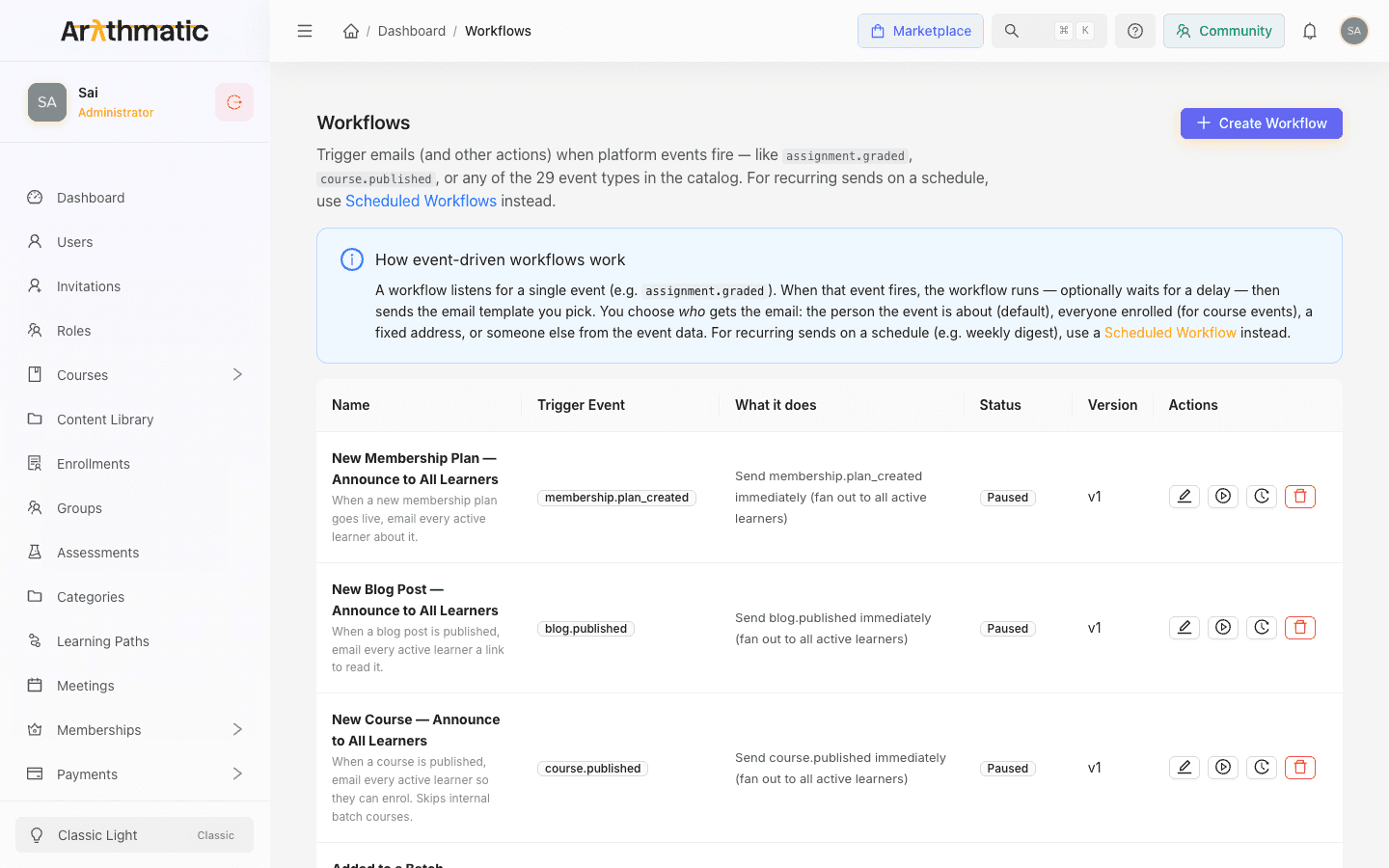
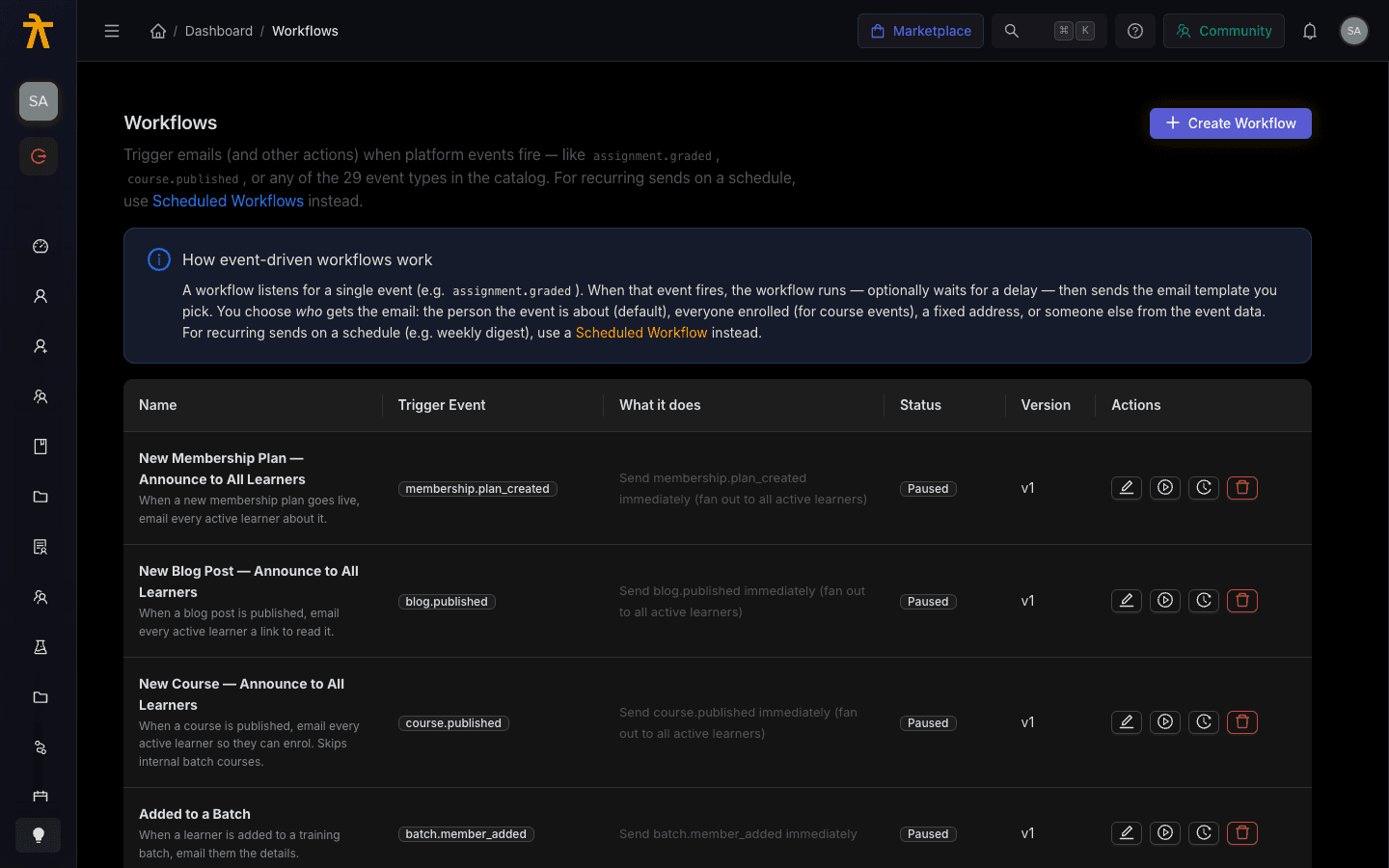
Automated workflows listen for a single platform event and run when it fires — sending an email template, optionally after a delay. This page is the reference catalog of every trigger event you can pick in Settings → Workflows, grouped by category exactly as the Trigger Event picker groups them. Event names use a category.action shape (for example, assignment.graded), and the picker sorts them into option groups by the category prefix, listing the events alphabetically within each group. There are 32 events in total.
The Trigger Event picker in Settings → Workflows, with events grouped by category.
Each event fires once per occurrence and carries a payload describing what happened (the learner, the course, the payment, and so on). When you build a workflow you pick the event, then decide who receives the email — the person the event is about, everyone enrolled, all active learners, a fixed address, or someone pulled from the event data. See Automated Workflows for the full authoring flow.
Only course-scoped events (course.published, course.updated, course_content.created, course_content.updated, meeting.scheduled, assessment.created) can fan out to everyone enrolled. On other events there is no enrollee list, so pick a different recipient option or the all active learners fan-out.
The sending provider's circuit breaker trips after repeated failures.
Keep Group, School, and Batch distinct. group.member_added and batch.member_added fire for those specific membership containers — they are separate events and are not interchangeable when you choose a trigger.