

API Keys & Webhooks
Register meeting webhook endpoints so external systems receive real-time notifications from your workspace, and see what is planned for self-service integration API keys.
API Keys & Webhooks
Webhooks push real-time notifications to your own servers whenever an event happens inside the platform, letting you connect your Arythmatic workspace to the tools you already run. Today the fully wired, self-service surface is Meeting Webhooks, which delivers live-session events to an endpoint you control. Integration API keys and general-purpose webhook endpoints are administrator-managed features still under development — this page covers what ships today and what is planned.
API keys
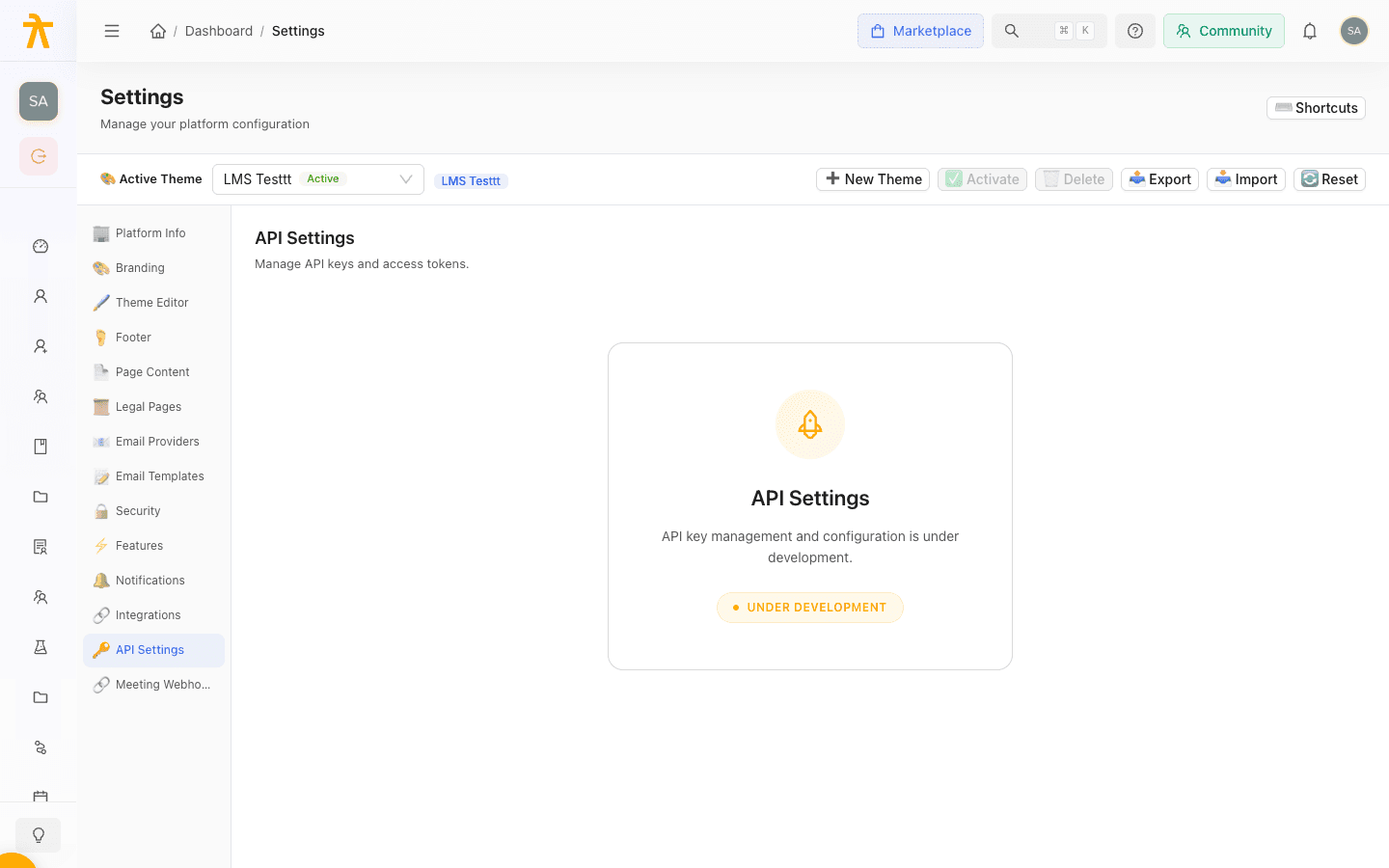
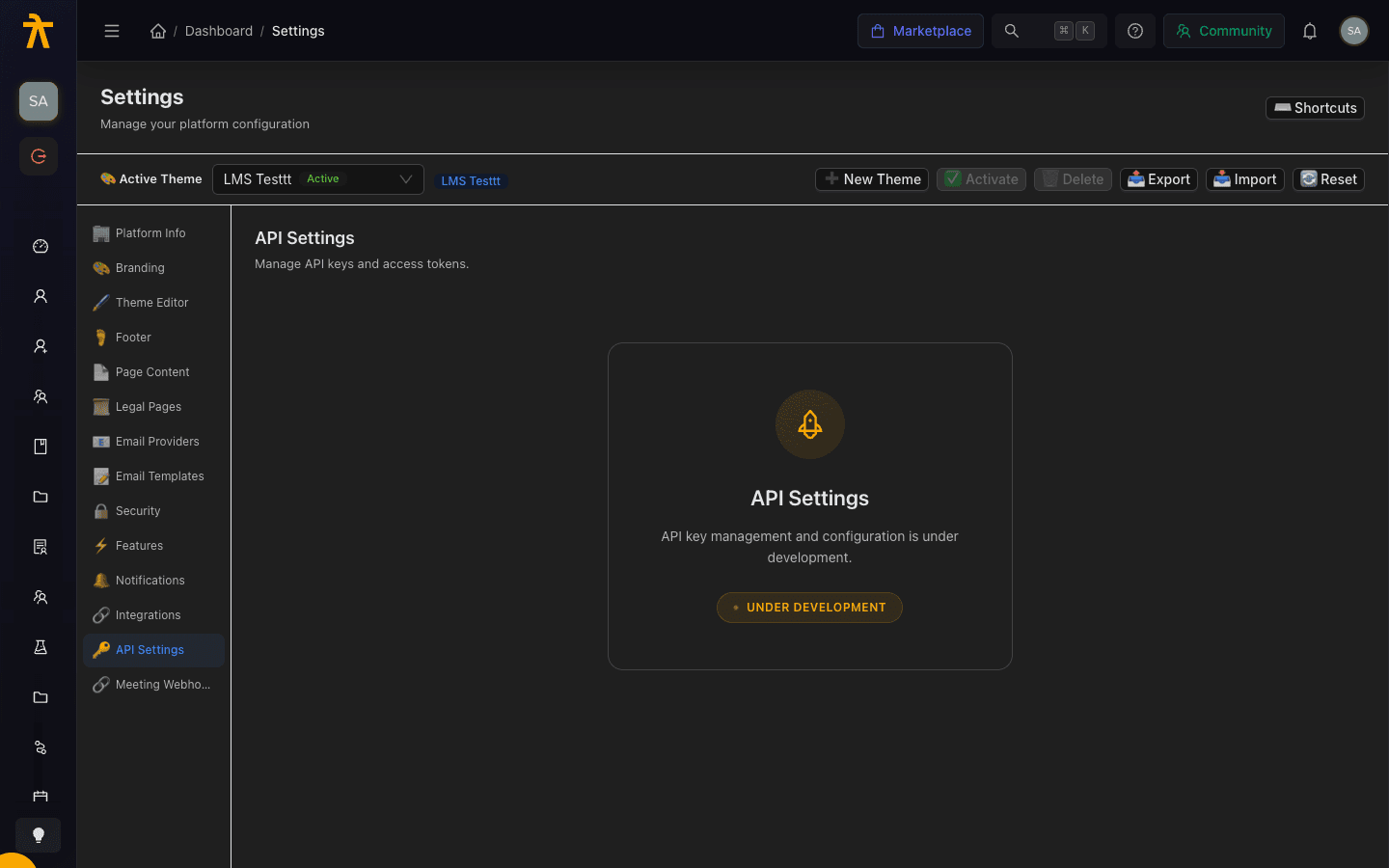
The API Settings section under Settings is currently a placeholder marked "under development." Self-service integration API keys — with permission scopes, expiry, revocation, per-minute and per-day rate limits, and allowed-origin (CORS) controls — are not yet available to generate or manage yourself.
If you need programmatic access to your workspace today, contact your Arythmatic representative to discuss the options available on your plan. When self-service key management ships, you will be able to generate scoped keys, set expiry, apply rate limits and CORS origins, and revoke keys from this section — and this page will be updated with the full workflow.
Webhook endpoints
Webhooks deliver an HTTP POST to a URL you control whenever a subscribed event fires. Today the platform's dedicated, fully wired webhook surface is Meeting Webhooks for live-session events (below). General-purpose webhook endpoints for other event types — enrollments, payments, course changes, and so on — are on the roadmap; in the meantime, react to those events with Automated Workflows.
Meeting webhooks
The Meeting Webhooks page is the dedicated, fully wired surface for live-session events. It lets your workspace receive real-time notifications when meetings and recordings change state — enabling automatic attendance tracking, recording management, and class session logging.
Only one meeting webhook is needed per tenant. Once one exists, the Register Webhook button is disabled; edit the existing endpoint instead of creating a duplicate.
- On the Meeting Webhooks page, select Register Webhook (or Register Your First Webhook from the setup banner).
- Give it a Name, such as LMS Class Events.
- Enter the URL that will receive deliveries (for example,
https://your-server.com/webhooks/meetings). - Choose the Events to subscribe to (see the full catalog below), or subscribe to everything with the
*wildcard. - Save to register the endpoint.
Event catalog
The meeting.started, meeting.ended, and recording.processing_completed events are the commonly used ones, but the full set of events the platform can deliver is broader:
| Event | Fires when |
|---|---|
meeting.started | A live session goes live (sets the session's status to ongoing). |
meeting.ended | A live session ends (sets the session's status to completed). |
meeting.participant.joined / meeting.participant.left | A participant joins or leaves the meeting. |
recording.started / recording.stopped | Recording begins or stops. |
recording.processing_started | Post-session recording processing begins. |
recording.processing_completed | A recording finishes processing (see side effect below). Legacy alias: recording.completed. |
recording.processing_failed | Recording processing fails. Legacy alias: recording.failed. |
invitation.sent / invitation.responded | A meeting invitation is sent or answered. |
recording.processing_completed auto-adds a video lesson. When a processed recording arrives, the platform automatically creates a new video content item in the course and links the recording to it. This is why a recorded-session lesson can appear in the curriculum after a live class without anyone adding it manually.
Verifying delivery signatures
Every registered meeting webhook stores an encrypted HMAC secret. Inbound deliveries carry an X-Webhook-Signature header, and the platform verifies it as an HMAC-SHA256 hex digest computed over the raw request body using that secret before processing — a delivery whose signature does not match a known active config is rejected with 403 Invalid signature. Your receiving endpoint should verify the same way: recompute HMAC-SHA256(secret, raw_body) and compare it against the header (using a constant-time comparison) before trusting the payload, so spoofed calls are dropped.
Monitoring deliveries
Each webhook row shows its Status, Last Triggered time, and a running Failures count. Status reflects delivery health:
| Status | Meaning |
|---|---|
| Active | Delivering normally. |
| Active (n failures) | Delivering, but recent attempts failed. |
| Paused | Manually paused; no deliveries sent. |
| Disabled | Auto-disabled after 10 consecutive failures. |
Use the row actions to open View Details (full configuration, last success and failure times, and remote status), Delivery History (per-attempt event type, response code, response time, and the exact payload), or to Pause, Activate, or Delete the endpoint.
When an endpoint drifts into a failing state, open Delivery History, inspect the failed attempt's response code and payload, fix your receiver, then re-activate the webhook to resume deliveries.
Your receiving endpoint should return a 2xx response quickly and process the payload asynchronously; repeated non-2xx responses raise the consecutive-failure count and can disable the webhook.
Related
Workflow Event Reference
The complete catalog of platform events that can trigger an automated workflow, grouped by category with a note on when each one fires.
Integrations
Connect Microsoft Teams, Zoom, Google Meet, Arythmatic Community, WhatsApp, and Zoho Books to your platform, plus inject custom JavaScript snippets — the connectors that actually ship in the Integrations settings tab.
