Users & Groups
Manage everyone in your workspace — learners, instructors, and admins — and organise them into groups for bulk enrollment and reporting.
Users
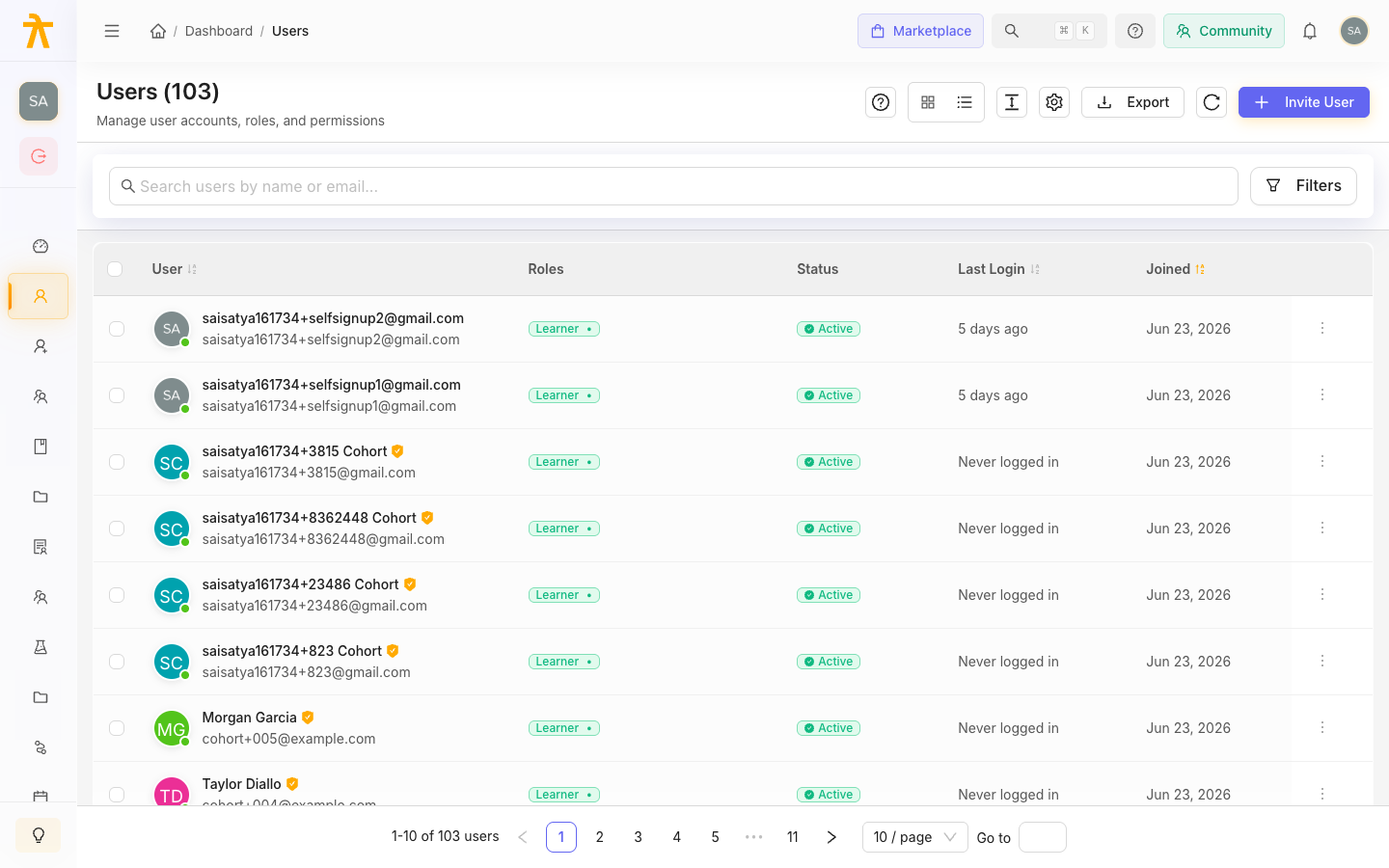
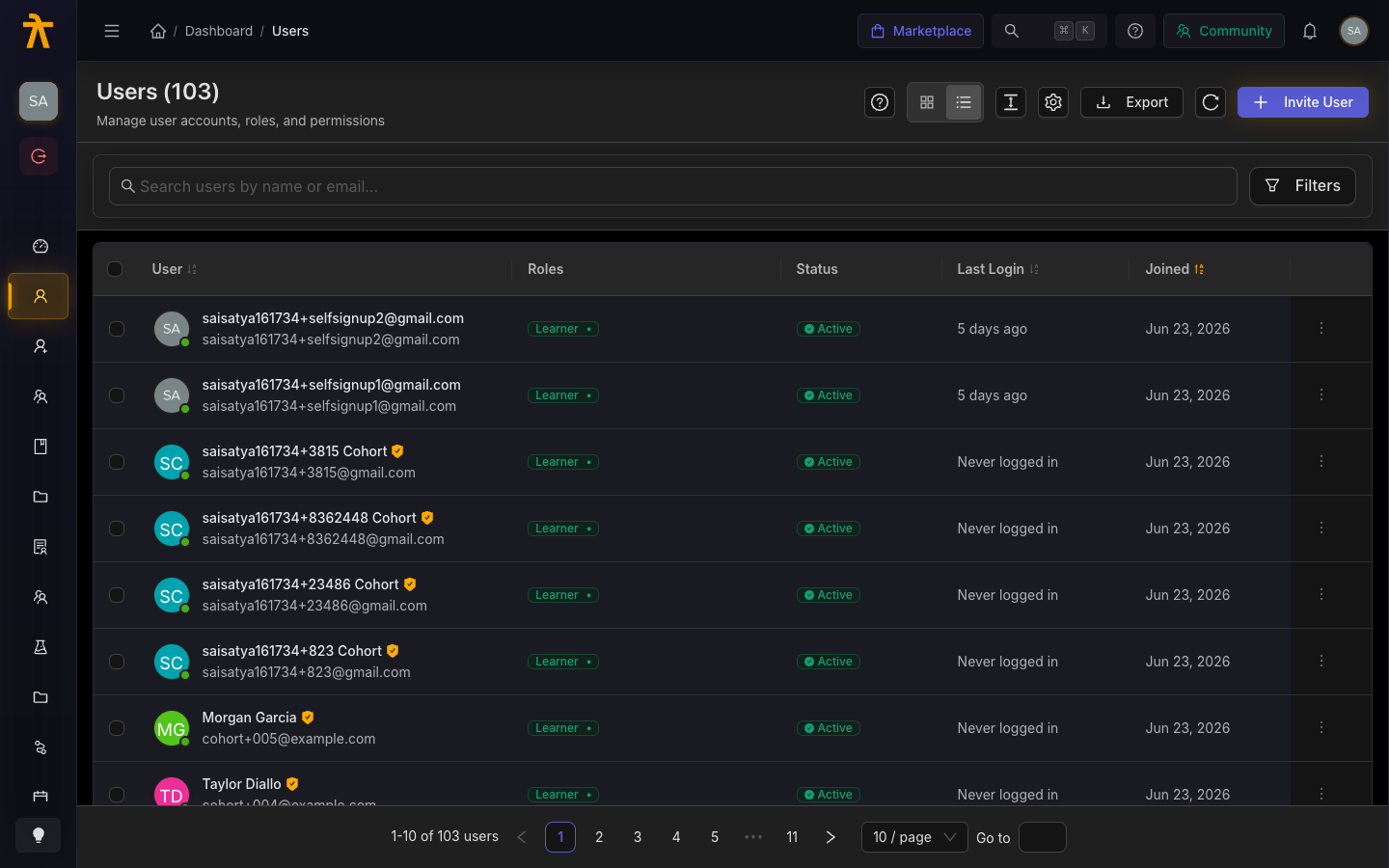
The Users page lists every member of your workspace with their role, status, last login, and join date. Search and filter to find anyone, invite new users, or export the list.
Groups
Groups (also called cohorts or schools) let you bundle users together so you can enroll, assign content, and report on them as a unit — ideal for teams, departments, or client divisions. A GroupAdmin can manage the members of their own group.
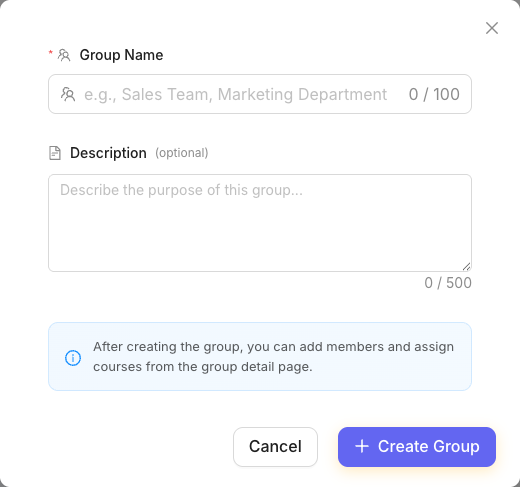
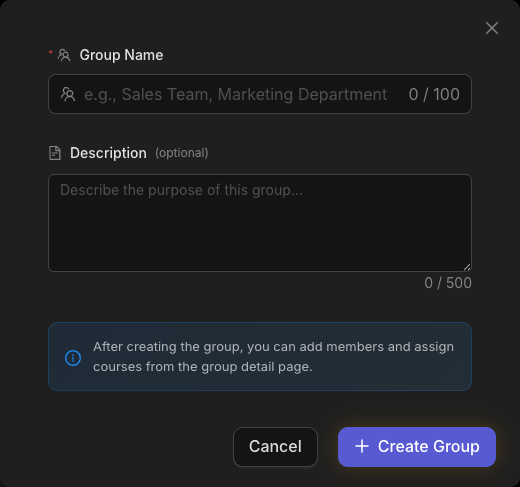
To create one, open Groups and click Create Group — give it a name and an optional description, then add members and assign courses from the group's detail page.