Navigating the Dashboard
The manage dashboard is where Admins and Instructors do their work. This page orients you to the main areas so you can find what you need quickly.
The Layout
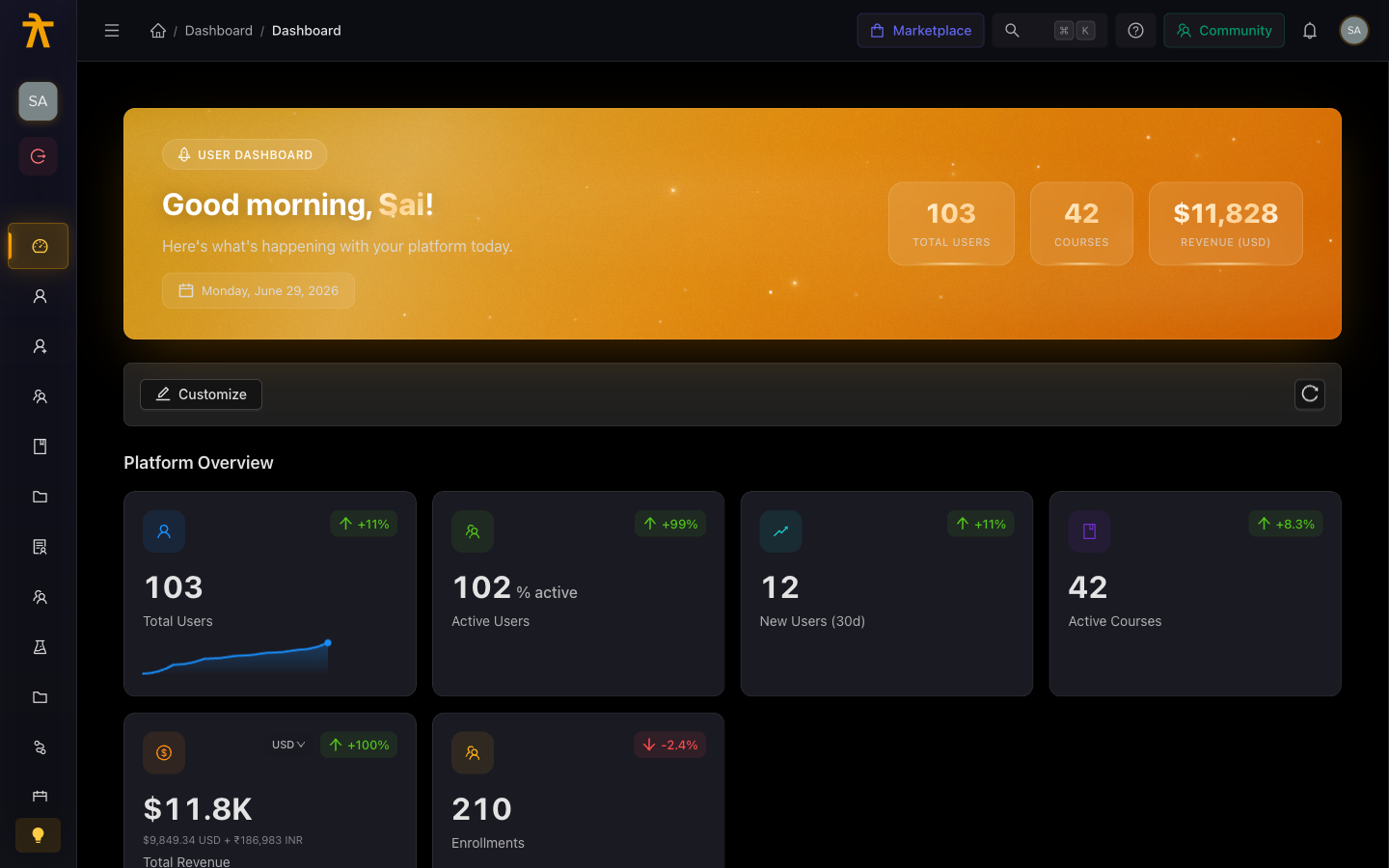
When you log in, you land on the Dashboard — a summary view with at-a-glance stats for your workspace (total learners, active courses, recent enrollments, and revenue if applicable). The layout has three main areas:
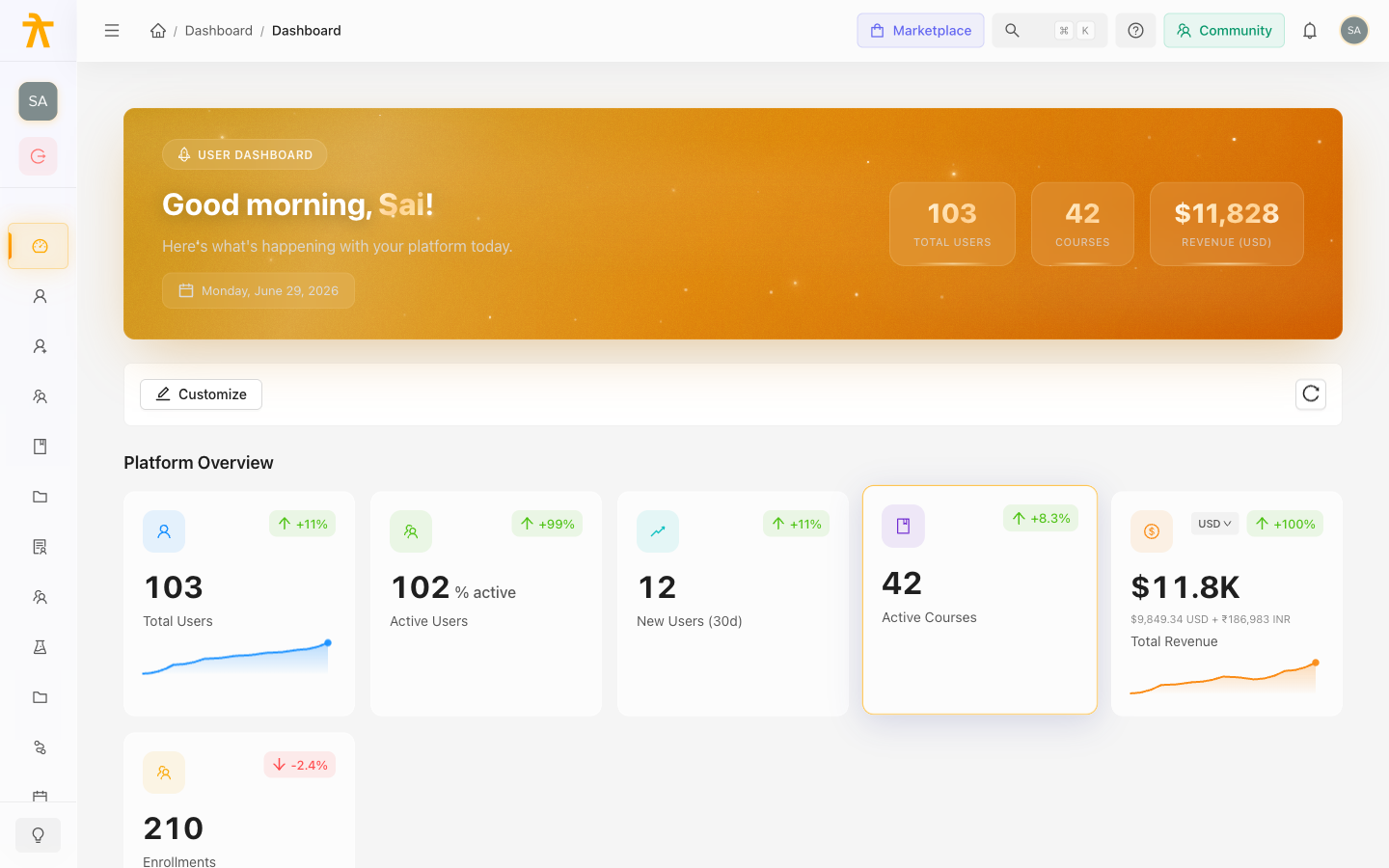
- Left sidebar — primary navigation to every section of the platform.
- Top header — your workspace logo, search, notifications, the role switcher, and your profile menu.
- Main content area — the page you are currently viewing.
If you hold more than one role (for example, Admin and Instructor), use the Role Switcher in the top header to change your active context. The sidebar menu adjusts to show only the sections relevant to your active role.
Sidebar Sections
Dashboard
The home view. Admins see workspace-wide metrics: total learners, active enrollments, course count, revenue, and recent activity. Instructors see their own course stats: active students, completion rates, and upcoming meetings.
Courses
Create, edit, and manage your course catalog.
- All Courses — list of every course in your workspace with status (draft, published), enrollment count, and rating.
- Create Course — launches the creation wizard (basics → curriculum → settings → publish).
- Curriculum editor — once a course is created, click into it to add sections and lessons (video, audio, text/article, document, external URL, quiz, assignment).
- Batches — instructor-led cohorts attached to a course. Create a batch to run the same course on a fixed schedule with a specific group of learners.
Learning Paths
Build multi-course journeys.
- Create a learning path, add courses in sequence, and set completion criteria.
- Learning paths can be free or paid, and support the same catalog visibility options as courses.
- Progress tracking shows how far each learner has advanced through the path.
Assessments
Standalone assessments that you can assign across multiple courses.
- Build question banks organized into sections.
- Set time limits, attempt limits, passing scores, and randomization.
- Assign an assessment to one or more courses, learning paths, or batches.
- Review attempt results and analytics per assessment.
Users
Manage everyone in your workspace.
- All Users — search, filter, and view all users by role.
- Invite Users — send email invitations and assign roles.
- Roles — view and adjust role assignments for existing users.
Schools & Groups
Delegate management to sub-organizations (GroupAdmins).
- Schools — create a school to represent a department, client, or location. Assign a GroupAdmin.
- Groups — cohorts within a school. Assign courses to a group; all group members gain access automatically.
- GroupAdmins access their own school via the My School portal (redirected automatically when they log in).
Enrollments
View and manage all enrollment records.
- Filter by course, learning path, learner, or status (enrolled, in progress, completed).
- Manually enroll individual learners or bulk-enroll via CSV.
- Track progress and completion from this view.
Payments
Revenue tracking and configuration (Admin only).
- Transactions — a full log of purchases with payment status, amount, currency, and learner details.
- Refunds — initiate and track refund requests.
- Payment Config — connect your Razorpay account and configure payment settings.
Analytics
Data and reporting for your learning program (Admin only).
- Course-level analytics: enrollment funnel, completion rate, drop-off points, time-on-content.
- Learner engagement: activity heatmaps, geo distribution, device breakdown.
- Export data for external reporting.
Gamification (Leaderboards)
Configure the engagement layer for your learners.
- Badges — create achievement badges with criteria (course completion, points threshold, specific triggers).
- Points & Multipliers — configure how learners earn points and set up multiplier events.
- Leaderboards — workspace-wide or group-scoped leaderboards that update in real time.
Certificates
Build and manage completion certificates.
- Use the Fabric.js canvas editor to design certificate templates with your branding, learner name placeholders, and course/path names.
- Assign a certificate template to a course or learning path; it issues automatically on completion.
Blog
A built-in CMS for publishing articles alongside your learning content.
- Create posts with the rich text editor, assign categories and tags, and optimize SEO metadata.
- Blog content is visible to learners on the public-facing site.
Settings
Workspace configuration (Admin only).
- Branding & Themes — logo, colors, light/dark theme, custom domain.
- Tenant Settings — workspace name and general configuration.
- Email Suppressions — manage unsubscribe and bounce lists.
- Webhooks & Workflows — connect Arythmatic events to external systems via webhooks or automated workflow rules.
Billing
Manage your Arythmatic subscription plan (Admin only).
- View your current plan, usage, and billing cycle.
- Upgrade, downgrade, or cancel your subscription.
- If your trial has expired or your subscription is inactive, a billing wall appears until the plan is resolved.
Audit Log
A compliance and security audit trail (Admin only).
- Searchable log of all significant actions taken in the workspace (user changes, content changes, settings changes).
- Filter by user, action type, and date range.
Finding Things Quickly
- Use the ⌘K search (or the search icon in the header) to jump to any course, learner, or page by name.
- The breadcrumb trail at the top of each page shows your location and lets you navigate up quickly.
- The Notifications bell (header) alerts you to enrollment events, payment activity, and system messages.