Courses Overview
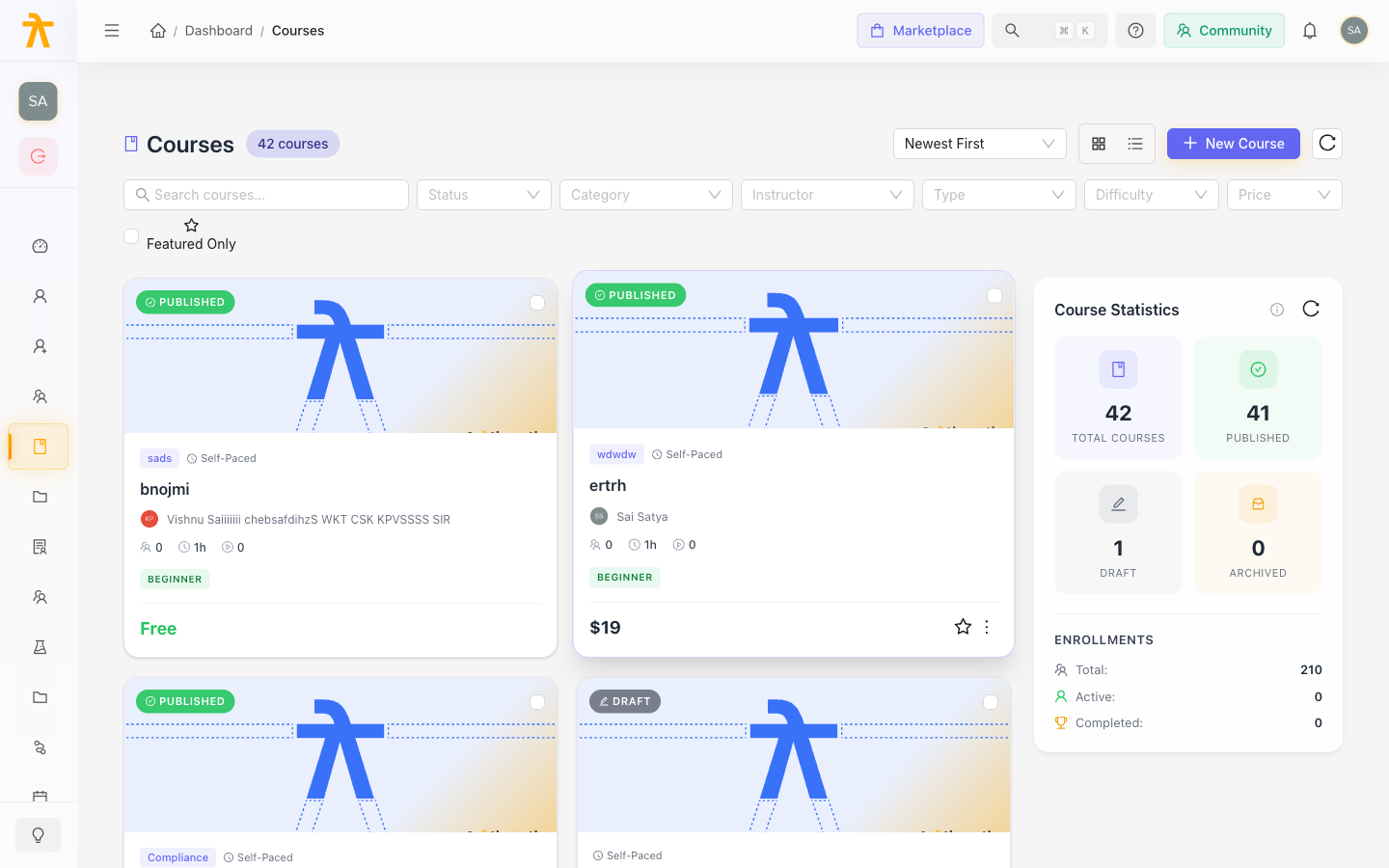
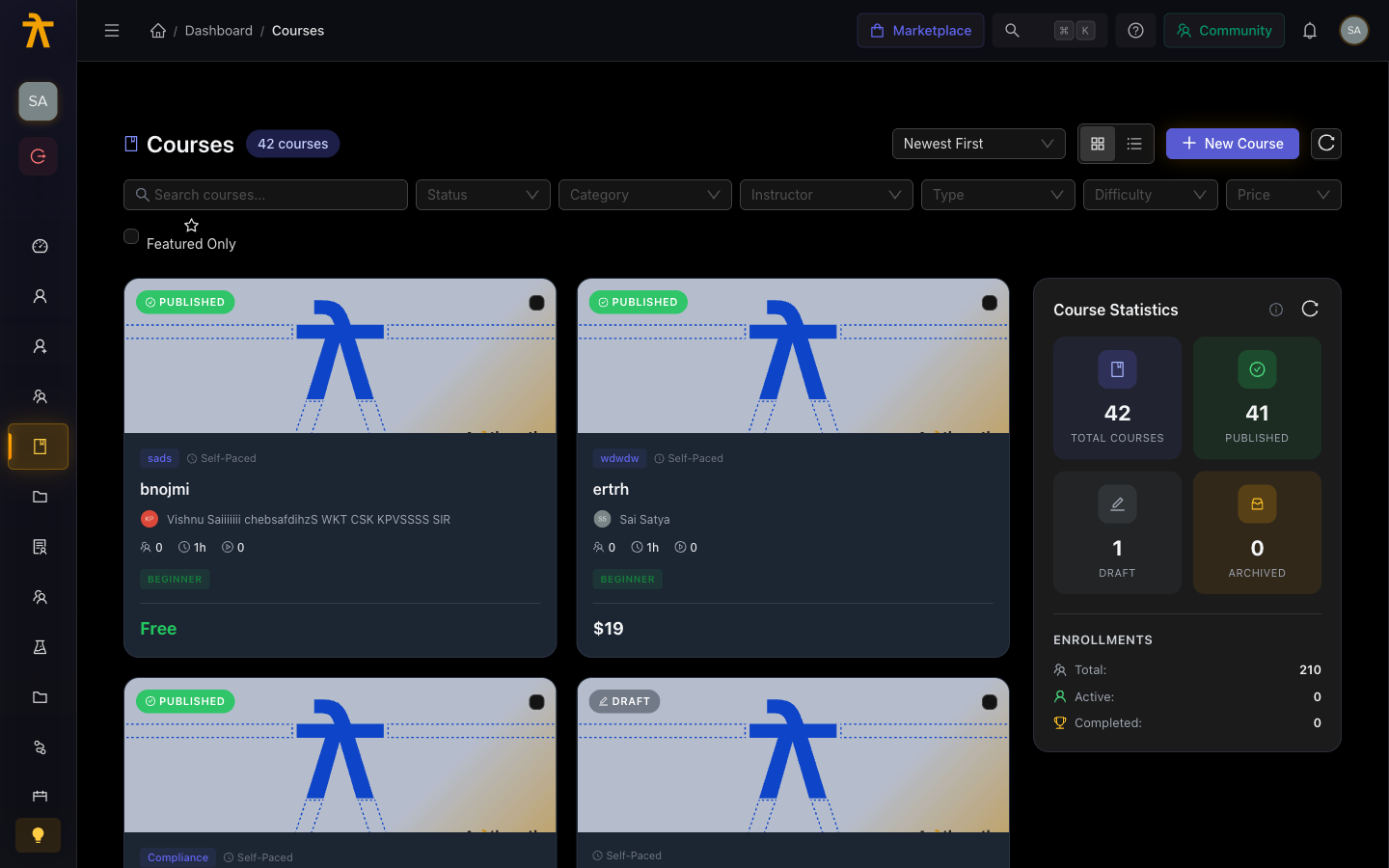
A course is the primary learning unit in Arythmatic. It packages your content into a structured, enrollable experience that learners can complete at their own pace or as part of an instructor-led cohort.
What makes up a course
Every course follows a two-level hierarchy:
Course
└── Section (module / chapter)
    └── Content item (lesson)
- Course — the top-level container. It has a title, description, thumbnail, category, pricing, and settings such as course type and enrollment visibility.
- Section — a grouping of related content. Sections act as chapters or modules. You can have as many sections as you need, and each section has its own title.
- Content item — an individual lesson inside a section. Each lesson holds one piece of content (video, article, document, URL, or quiz). A section can hold multiple content items in any combination of types.
Content types at a glance
| Type | What it is |
|---|---|
| Video | A video file uploaded to Arythmatic or referenced from your library |
| Text / Article | A rich-text document written in the built-in editor |
| Document | A PDF or file attachment learners can download and read |
| External URL | A link to any web page, embedded in the course viewer |
| Quiz | An interactive set of questions to test comprehension |
For guidance on choosing the right type for your lesson, see Content Types.
Course types
When you create a course you pick a delivery mode:
| Type | What it means |
|---|---|
| Self-paced | Learners enroll and work through content on their own schedule |
| Instructor-led | Learners join a cohort (batch) with a fixed start date and schedule |
| Hybrid | A mix of self-paced content and scheduled sessions |
Course lifecycle
A course moves through a simple lifecycle from creation to learner access:
- Draft — the course is being built. It is not visible to learners. You can freely add and rearrange content.
- Published — the course is live. Learners who are enrolled (or who discover it in the catalog) can access it.
You can return a published course to draft at any time to make changes, but enrolled learners retain their progress.
A published course that has active enrollments cannot be deleted — it can only be archived or unpublished.
Who can create courses
Users with the Admin or Instructor role can create and manage courses. Instructors can only see and edit their own courses; Admins have access to all courses across the workspace.
Next steps
- Create a Course — open the creation wizard and configure your first course
- Curriculum Builder — add sections and content items
- Content Types — choose the right format for each lesson
- Preview and Publish — review your course and make it live